
Webhook Failures
Symptoms
Section titled “Symptoms”- Products don’t update in real-time after BigCommerce changes
- Admin notice: “Webhook delivery issues detected”
- Product updates delayed or never appear
- Webhook health check showing errors
- Action Scheduler showing failed webhook events
Common Causes
Section titled “Common Causes”1. Webhook Not Firing
Section titled “1. Webhook Not Firing”- Webhook not created in BigCommerce
- Webhook disabled or deleted
- Scope doesn’t match product events
- Store events not triggering webhooks
2. Authentication Failures
Section titled “2. Authentication Failures”- Webhook secret mismatch
- Invalid signature verification
- Secret regenerated but not updated
- HMAC validation failing
3. Connectivity Issues
Section titled “3. Connectivity Issues”- WordPress® site not reachable from BigCommerce
- Firewall blocking webhook requests
- SSL certificate invalid
- DNS resolution problems
- Security plugin blocking requests
4. Processing Failures
Section titled “4. Processing Failures”- Plugin processing webhook but throwing errors
- Action Scheduler queue full
- PHP errors during webhook handling
- Database connection issues
Solutions
Section titled “Solutions”Check Webhook Status in BigCommerce
Section titled “Check Webhook Status in BigCommerce”Verify webhooks are properly configured:
- Log into BigCommerce admin
- Go to Settings → Webhooks
- Find Commerce Connect webhook(s)
- Check status: Should be “Active”
- Review recent deliveries for success/failure
Alternatively, register webhooks from WordPress®:
- Navigate to Commerce Connect → Settings → Webhooks
- Click Register Webhooks
- Wait for confirmation: “Webhooks successfully registered”
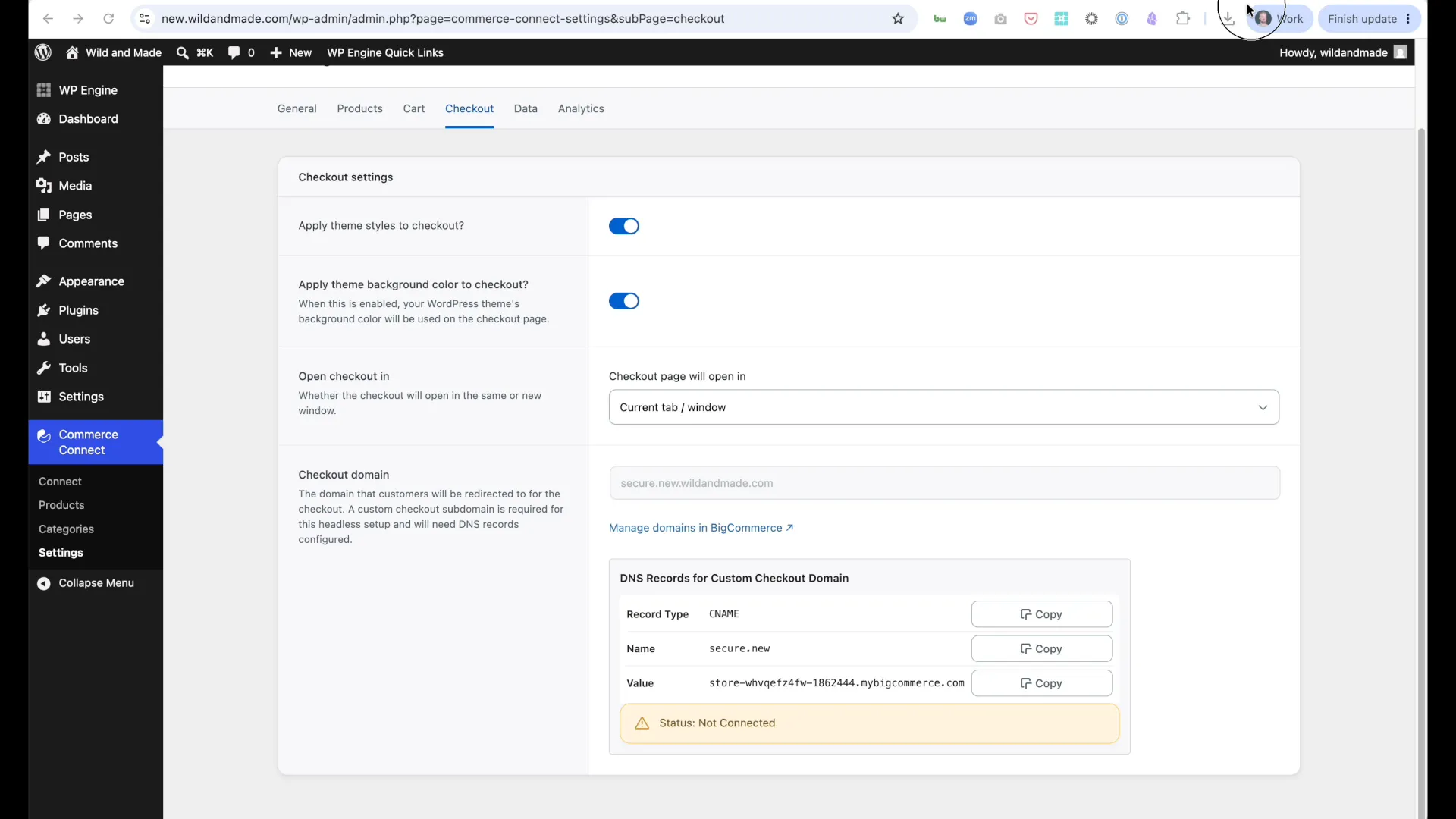
Look for:
- ✅ 200 OK responses - Working correctly
- ❌ 401 Unauthorized - Authentication issue
- ❌ 404 Not Found - Wrong webhook URL
- ❌ 500 Server Error - WordPress® processing failure
- ❌ Timeout - WordPress® not responding
Check Webhook Status in Settings
Section titled “Check Webhook Status in Settings”The plugin provides a built-in webhook health check:
- Navigate to Commerce Connect → Settings → Data
- Look for Webhook Status section
- Check for:
- ✅ Connected - Webhooks working properly
- ❌ Connection issues detected - See error details below
If webhook issues are reported:
- Click Re-register Webhooks button to fix automatically
- Check BigCommerce Settings → Webhooks to verify registration
- Ensure your site is publicly accessible (not localhost/staging behind firewall)
Fix Authentication Issues
Section titled “Fix Authentication Issues”Webhooks use HMAC signature for security:
Regenerate webhook secret:
-
In BigCommerce admin:
- Go to Settings → Webhooks
- Click on Commerce Connect webhook
- Copy the webhook secret
-
In WordPress® admin:
- Go to Commerce Connect → Settings → Connection
- Paste webhook secret
- Save settings
-
Test webhook delivery:
- Edit a test product in BigCommerce
- Wait 30 seconds
- Check if product updates in WordPress®
Debug Failed Deliveries
Section titled “Debug Failed Deliveries”BigCommerce shows webhook delivery history:
- In BigCommerce → Settings → Webhooks
- Click on webhook → View History
- Inspect failed deliveries
Common failure responses:
401 Unauthorized:
{ "error": "Webhook signature verification failed"}Solution: Regenerate and update webhook secret in WordPress®
500 Internal Server Error:
{ "error": "Internal server error"}Solution: Check WordPress® error logs for PHP errors
Timeout (no response): Solution:
- Increase PHP max_execution_time
- Check server resources
- Verify WordPress® not overloaded
Fix Firewall/Security Blocks
Section titled “Fix Firewall/Security Blocks”Security plugins may block webhook requests:
Temporarily disable security plugins:
# Test with security disabledwp plugin deactivate wordfence wp-fail2ban sucuri-scanner
# Test webhook delivery
# Re-enable after testingwp plugin activate wordfence
If webhooks work with security disabled:
- Whitelist BigCommerce IPs in firewall
- Whitelist webhook endpoint in security plugin
- Disable rate limiting for
/wp-json/commerce-connect/v1/webhooks
BigCommerce IP ranges (check official docs for current list):
- Webhooks come from BigCommerce infrastructure
- IP range varies by BigCommerce datacenter
- Configure security plugin to allow webhook user-agent
Check Action Scheduler Queue
Section titled “Check Action Scheduler Queue”Webhooks are processed asynchronously via Action Scheduler:
View pending webhook events:
wp action-scheduler list --hook=commerce_connect_process_webhook --status=pendingView failed webhook events:
wp action-scheduler list --hook=commerce_connect_process_webhook --status=failedIf many pending:
- Queue is backed up
- Increase processing frequency or resources
- Check for errors blocking processing
If many failed:
- Click into failed action to see error message
- Fix underlying issue (API error, PHP error, etc.)
- Webhooks auto-retry with exponential backoff
Monitor Webhook Retry Logic
Section titled “Monitor Webhook Retry Logic”Failed webhooks automatically retry:
| Attempt | Delay | Total Time Since Failure |
|---|---|---|
| 1st retry | 1 minute | 1 minute |
| 2nd retry | 5 minutes | 6 minutes |
| 3rd retry | 15 minutes | 21 minutes |
| 4th retry | 30 minutes | 51 minutes |
| 5th retry | 1 hour | ~2 hours |
After 5 failed attempts, event is permanently dropped.
Check retry attempts:
wp action-scheduler list --hook=commerce_connect_process_webhook --columns=hook,args,status,scheduled,recurrenceLook for attempt in args JSON - indicates retry count.
Run Webhook Health Check Manually
Section titled “Run Webhook Health Check Manually”Plugin runs daily health checks automatically:
Trigger manual health check:
// In wp-admin → Tools → PHP Console or via WP-CLIdo_action('commerce_connect_webhook_health_check');Check health status:
wp option get wpe_commerce_webhook_health_status --format=jsonExample output:
{ "healthy": false, "errors": ["Webhook delivery failed: signature mismatch", "Products not syncing"], "checked_at": 1654876543}Clear Health Status After Fixing
Section titled “Clear Health Status After Fixing”Once issues resolved, clear the health status:
wp option delete wpe_commerce_webhook_health_statusOr in WordPress® admin:
- Commerce Connect → Settings → Advanced
- Click “Clear Webhook Health Warnings”
Admin notice will disappear on next health check success.
Verification
Section titled “Verification”After applying fixes:
-
Create test product in BigCommerce
-
Wait 30 seconds for webhook delivery
-
Check WordPress® for new product:
Terminal window wp post list --post_type=bigcommerce_product --orderby=date --order=DESC --posts_per_page=1 -
Edit test product in BigCommerce (change title)
-
Wait 30 seconds for webhook
-
Verify update in WordPress®:
Terminal window wp post get <ID> --field=post_title -
Check Action Scheduler:
Terminal window wp action-scheduler list --hook=commerce_connect_process_webhook --status=complete --limit=5
Success indicators:
- Products appear in WordPress® within 1-2 minutes of BigCommerce changes
- No admin notices about webhook issues
- BigCommerce webhook history shows 200 OK responses
- Action Scheduler shows completed webhook processing
- No failed attempts in Action Scheduler
Prevention
Section titled “Prevention”Monitor Webhook Health
Section titled “Monitor Webhook Health”Daily health checks run automatically and show admin notice if issues detected.
Set up additional monitoring:
- Weekly manual test: Edit product and verify update
- Monitor Action Scheduler: Check for failed events
- Review webhook logs: Look for patterns in BigCommerce delivery history
- Set alerts: Use uptime monitoring for webhook endpoint
Maintain Webhook Configuration
Section titled “Maintain Webhook Configuration”Best practices:
- Don’t modify webhook URL unless migrating domains
- Keep webhook secret secure - Don’t commit to version control
- Test webhooks after site migrations, SSL changes, firewall updates
- Document webhook scope - Ensure covers needed events
Handle Platform Changes
Section titled “Handle Platform Changes”Webhooks can break after:
- Domain change - Update webhook URL in BigCommerce
- SSL certificate renewal - Ensure valid certificate
- Firewall rule changes - Re-whitelist BigCommerce IPs
- Security plugin updates - Re-configure webhook whitelist
- PHP version upgrade - Test webhook processing still works
After any of these changes:
- Test webhook delivery
- Run manual health check
- Verify products sync correctly
Document Webhook Setup
Section titled “Document Webhook Setup”For team reference, document:
- Webhook URL - Current production endpoint
- Webhook scopes - Which BigCommerce events trigger webhooks
- Webhook secret location - Where it’s stored (not the value itself)
- Firewall whitelist - BigCommerce IPs allowed
- Security plugin config - Webhook endpoint exclusions
Advanced Debugging
Section titled “Advanced Debugging”Webhook Event Lifecycle
Section titled “Webhook Event Lifecycle”Understanding the flow helps debug issues:
- Product changed in BigCommerce
- BigCommerce fires webhook to WordPress® endpoint
- WordPress® verifies HMAC signature using webhook secret
- If valid, queues event in Action Scheduler
- Action Scheduler processes event asynchronously
- Plugin updates product in WordPress® database
- Product cache cleared, new data visible
Failure can occur at any step:
- Step 2: Network/connectivity issue
- Step 3: Authentication failure
- Step 4: WordPress® error, queue full
- Step 5: Processing error, timeout
- Step 6: Database error, API failure
Inspect Raw Webhook Payload
Section titled “Inspect Raw Webhook Payload”To see actual webhook data received:
Enable webhook logging (temporarily):
// In wp-config.phpdefine('COMMERCE_CONNECT_DEBUG', true);Trigger webhook delivery from BigCommerce
Check logs:
tail -f wp-content/debug.log | grep "webhook"Look for:
- Raw JSON payload
- Signature verification result
- Event processing details
Disable debug logging after troubleshooting:
// Remove from wp-config.php// define('COMMERCE_CONNECT_DEBUG', true);Test Webhook Signature Verification
Section titled “Test Webhook Signature Verification”Manually verify HMAC signature:
// In WordPress® PHP console or custom test file$payload = '{"scope":"store/product/updated","store_id":"12345","data":{"id":123}}';$signature = 'abc123...'; // From BigCommerce webhook history$secret = 'your-webhook-secret';
$calculated = base64_encode(hash_hmac('sha256', $payload, $secret, true));echo ($calculated === $signature) ? 'Valid' : 'Invalid';
If signatures don’t match:
- Secret in WordPress® doesn’t match BigCommerce
- Payload was modified in transit (unlikely)
- Encoding issue with secret or payload
Check Webhook Scope Configuration
Section titled “Check Webhook Scope Configuration”Webhooks must be configured for correct scopes:
Required scopes for Commerce Connect:
store/product/createdstore/product/updatedstore/product/deletedstore/product/inventory/updated
Verify in BigCommerce:
- Settings → Webhooks
- Click webhook
- Check “Scope” field
If scope missing or wrong:
- Re-create webhook with correct scope
- Or update existing webhook scope (if allowed)
Action Scheduler Deep Dive
Section titled “Action Scheduler Deep Dive”For webhook processing issues:
View detailed action info:
wp action-scheduler get <action-id>Check action args (contains webhook event data):
wp action-scheduler get <action-id> --format=json | jq '.args'Look for:
attemptfield - Indicates retry countscope- Event type (product/updated, etc.)entity_id- BigCommerce product ID
Force process pending action:
wp action-scheduler run <action-id>Webhook Endpoint Stress Testing
Section titled “Webhook Endpoint Stress Testing”Test if endpoint can handle load:
# Send 10 concurrent webhook requestsfor i in {1..10}; do curl -X POST https://yoursite.com/wp-json/commerce-connect/v1/webhooks \ -H "Content-Type: application/json" \ -H "X-BC-Webhook-Signature: test" \ -d '{"scope":"store/product/updated","data":{"id":123}}' &doneCheck response times - Should be <1 second
If slow or timing out:
- Server under-resourced
- WordPress®/PHP not optimized
- Database slow
- Too many concurrent requests
Common Error Patterns
Section titled “Common Error Patterns”Error: “Webhook signature verification failed” Cause: Secret mismatch or incorrect HMAC calculation Fix: Regenerate and update webhook secret
Error: “Undefined index: scope” Cause: Malformed webhook payload Fix: Check BigCommerce webhook configuration, verify scope set
Error: “Maximum execution time exceeded” Cause: Webhook processing taking too long Fix: Increase max_execution_time, optimize processing
Error: “Failed to queue webhook event” Cause: Action Scheduler database issue Fix: Check database connection, clear stuck actions